Guide
Deckset for Startup Founders, Investor Updates & Business Decks
Turn strategy docs, investor narratives, business plans, and KPI snapshots into consistent, polished decks — fast.
Foundations
Deckset turns simple Markdown files into polished business slides. Write the narrative, keep it versioned, and iterate fast — Deckset handles layouts, themes, and presenting. Cut hours of slide work while keeping decks crisp and readable. Ideal for pitch decks, board decks, QBRs, OKR updates, and weekly leadership readouts.
From narrative notes to polished decks
Write in any text editor using Markdown. Deckset turns headings into slides, paragraphs into slide content, and optional speaker notes into a private presenter view. You can separate slides with three dashes (---) or enable the option to treat headers as slide dividers when that better matches your doc style. Here’s how your Markdown maps to slides:
Notes in, slides out
Start with your meeting notes or strategy outline and let Deckset turn the structure into slides. Your raw notes stay readable, while Deckset handles layout and presentation polish.
Founder workflow
Capture notes, turn them into slides, export for review, then reuse the same Markdown for the next update or board meeting.
- Write → Preview → Present → Export keep one source of truth from first draft to board-ready PDF.
- Top-level headings define sections and, with treat-headers-as-slide-dividers enabled, can act as slide boundaries.
-
Slide separators
(
---on a single line with blank lines around it) always start a new slide. - Subheadings organize supporting details within a section.
- Paragraphs and lists become your key talking points on each slide.
- Presenter notes keep the full story private in presenter view — ideal for investor narrative, talk track, and Q&A prep.
- Aspect ratio lets you match meeting rooms, projectors, and video calls (e.g., 16:9).
Drop in your existing docs
Already writing strategy docs, updates, or pitch outlines in Markdown? Drag the file into Deckset and you’ll get a clean deck instantly. If you enable treat-headers-as-slide-dividers, section titles become slides. If you toggle treat-paragraphs-as-presenter-notes, your document becomes a private script while keeping slides concise.
AI-assisted drafting
Use AI to turn raw notes into a pitch or QBR outline, shape the slide flow, and even convert raw data into clean Markdown tables. With everything in plain text, models can review structure quickly and point to specific slides that need work.
Keeping your workflow maintainable
Because your deck stays in plain text, you can keep it in the same system as your docs and metrics notes. That means readable diffs, easy collaboration, and fewer “final_v17” slide files.
Business Workflows
Deckset fits the decks you create constantly: pitches, updates, reviews, and planning. Author once, reuse often, and keep your story aligned across audiences.
Investor pitch decks
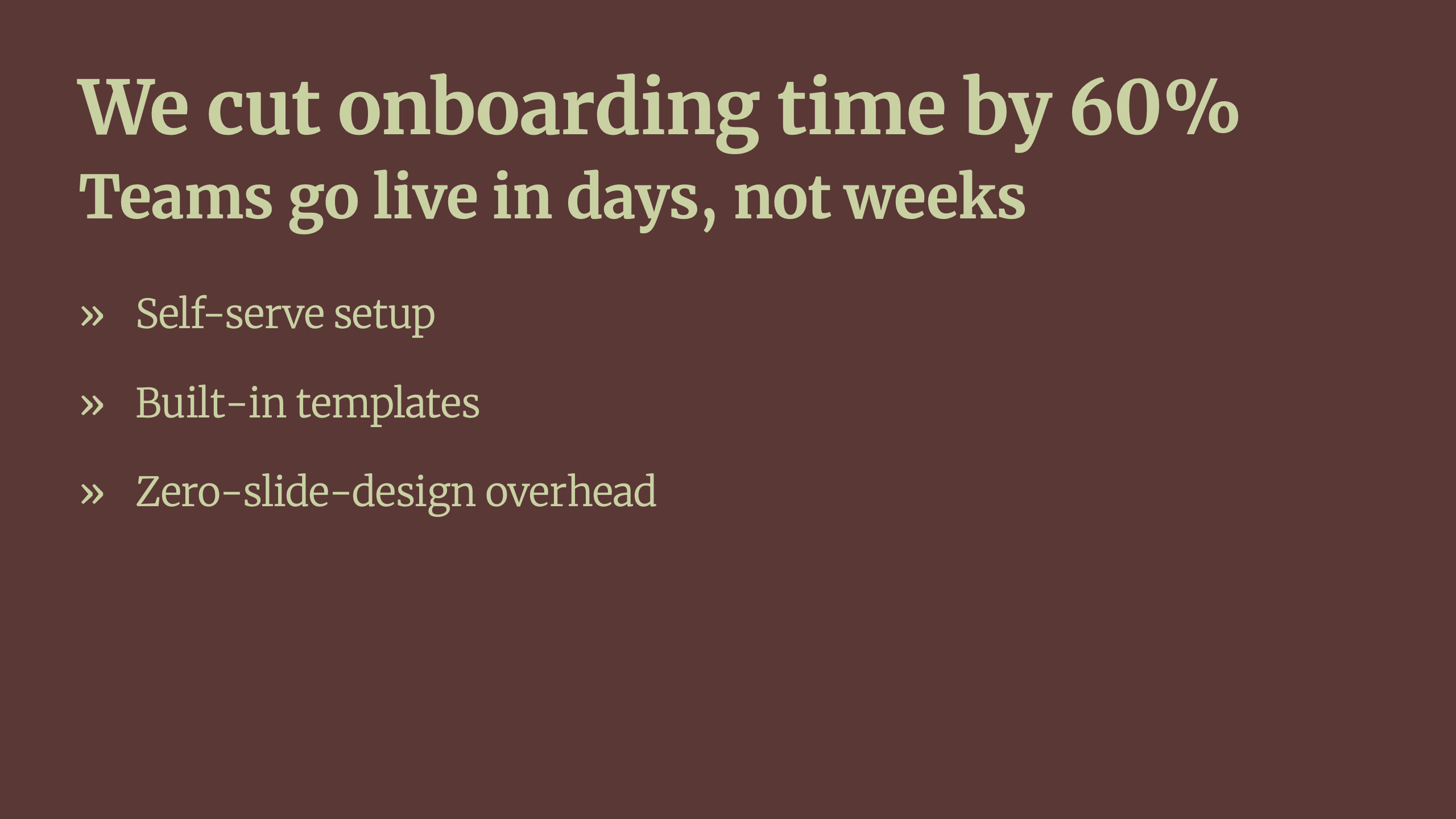
Write a tight narrative in Markdown and keep slides focused on the essentials. Put the full talk track in presenter notes, and iterate quickly between meetings without reformatting.
- One claim per slide use headings as conclusions (not just topics).
- Talk track in notes keep context, proof points, and transitions off the slide.
- Fast iteration change the story in text and Deckset keeps the visuals consistent.
Board decks & QBRs
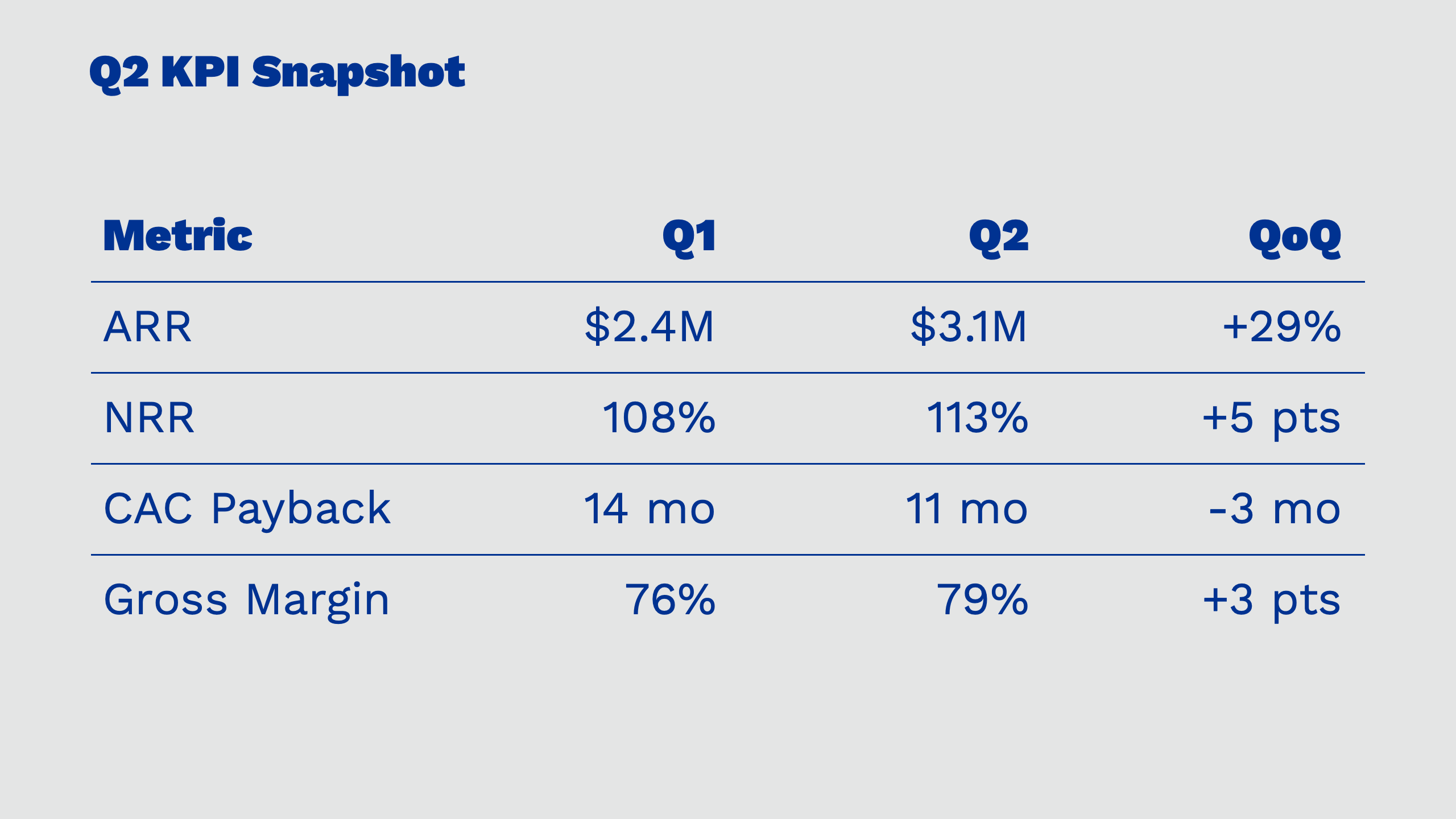
Start from Markdown, get polished layouts instantly with a theme, add KPI tables in plain text, then export slide-only or slide+notes PDFs for async review — no slide design work required.
Weekly updates & leadership readouts
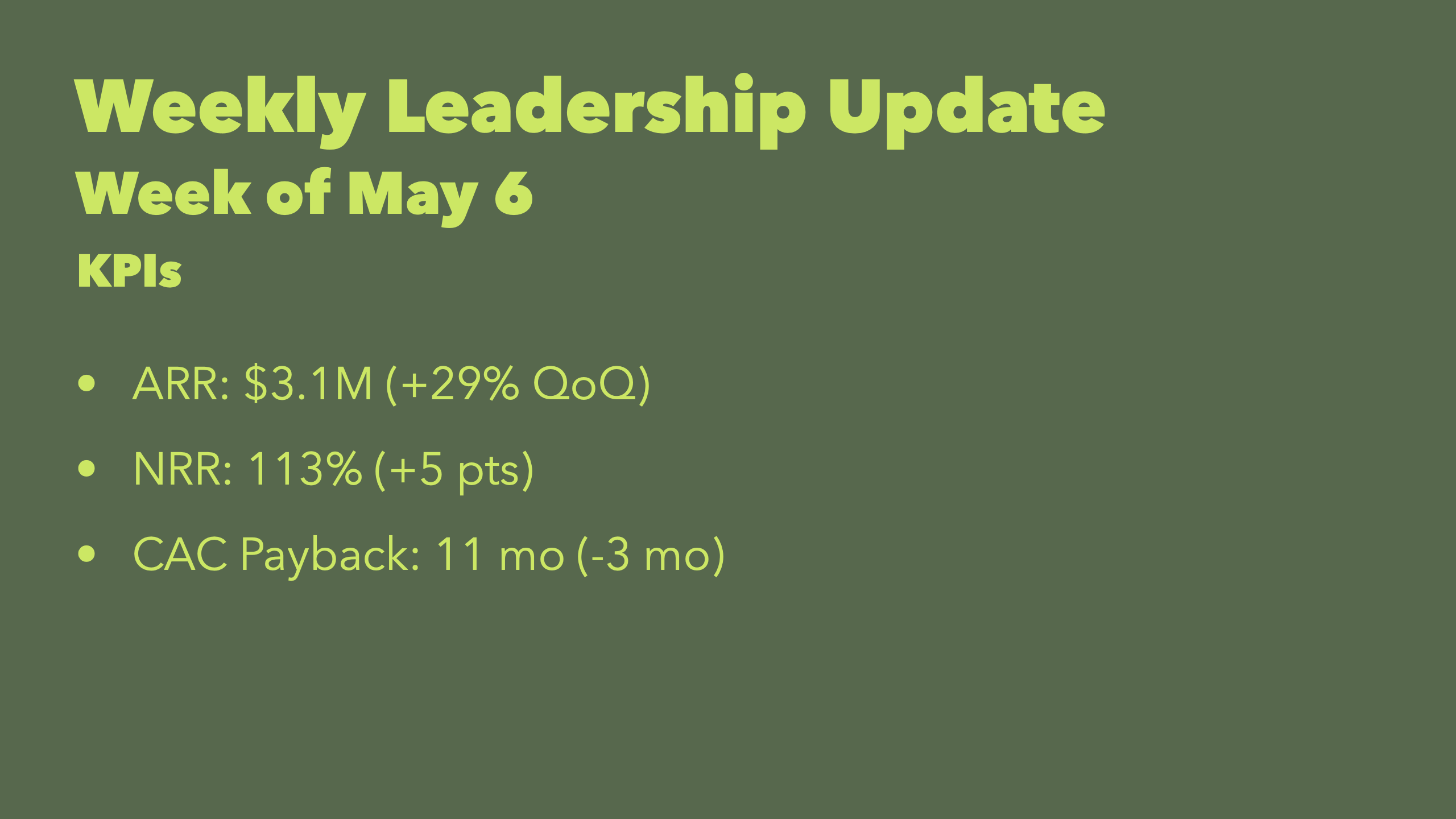
Convert your weekly leadership update notes into slides in minutes. Use --- to separate sections like KPIs, wins, risks, and asks, and keep lists concise for quick scans.
Product reviews & roadmap alignment
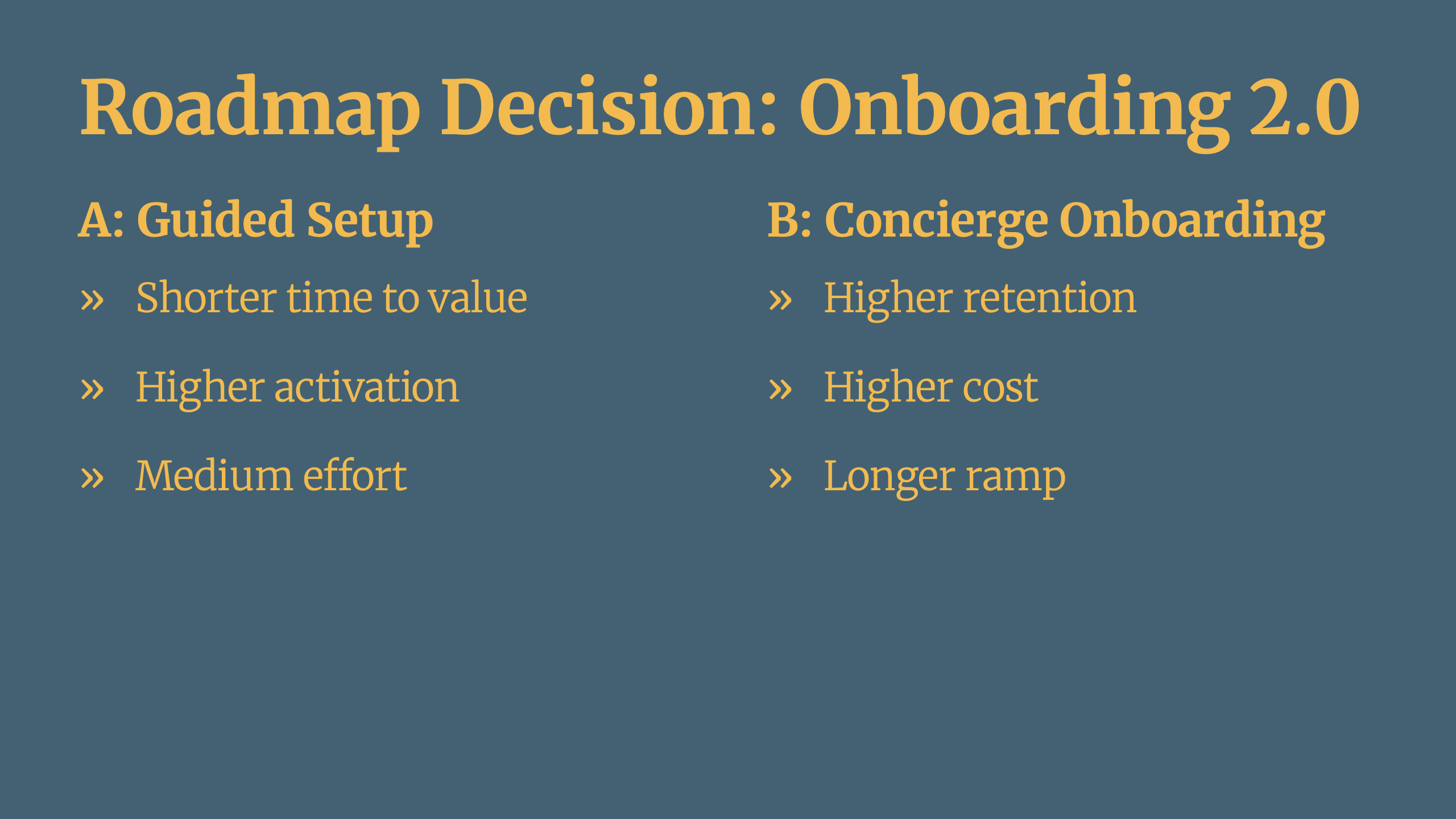
Paste your existing product narrative in Markdown, turn on treat-headers-as-slide-dividers and treat-paragraphs-as-presenter-notes, and you instantly get slides with presenter notes, plus columns for option comparisons and tables for decision matrices and experiment outcomes.
Client proposals & consultative decks
Reuse a proven structure across clients while tailoring the content quickly. Plain text makes it easy to duplicate, fork, and maintain a consistent style.
Content Types
Business decks live on structure and clarity: crisp lists, comparisons, metrics, and visuals. Deckset supports a wide range of content types directly from Markdown.
Status updates with lists
Use bullet lists for highlights, numbered lists for action plans, and nested lists for risks with mitigations — without turning slides into walls of text.
- Bullet lists work well for top-line highlights and weekly deltas.
- Numbered lists are ideal for plans, next steps, and timelines.
- Nested lists help frame risks, blockers, and mitigations clearly.
Tables for metrics and comparisons
Deckset supports Markdown tables (GitHub Flavored Markdown), making it easy to show KPI snapshots, cohort summaries, pricing tiers, or a simple decision matrix.
Charts & screenshots
Paste charts from BI tools or dashboards as images to keep metric context intact.
Columns for side-by-side decisions
Use columns to compare options, tradeoffs, or plans (e.g., Plan A vs Plan B). Two or three columns are typically best for readability.
Images & media
Drop in charts, screenshots, product mockups, or customer quotes as images. Media can be resized and aligned for clean, consistent slides.
Mermaid diagrams for flows
Create simple flowcharts for funnels, lifecycle stages, or process maps using Mermaid syntax — rendered directly from text.
Footers & slide numbers
Add slide numbers and footers to help stakeholders reference and discuss specific slides — especially useful in async reviews.
Design & Branding
Pick a theme and stay consistent. Deckset’s themes are built for legibility in meeting rooms, on projectors, and in shared PDFs — without design work.
Consistency beats decoration
Business decks work best when they’re predictable and easy to scan. Choose a clean theme, keep typography consistent, and let structure carry the message.
- Use minimal themes for strategy, metrics, and investor contexts.
- Keep a single theme across teams to make company updates instantly recognizable.
- Use imagery sparingly to support a point, not to decorate.
Custom themes for your brand
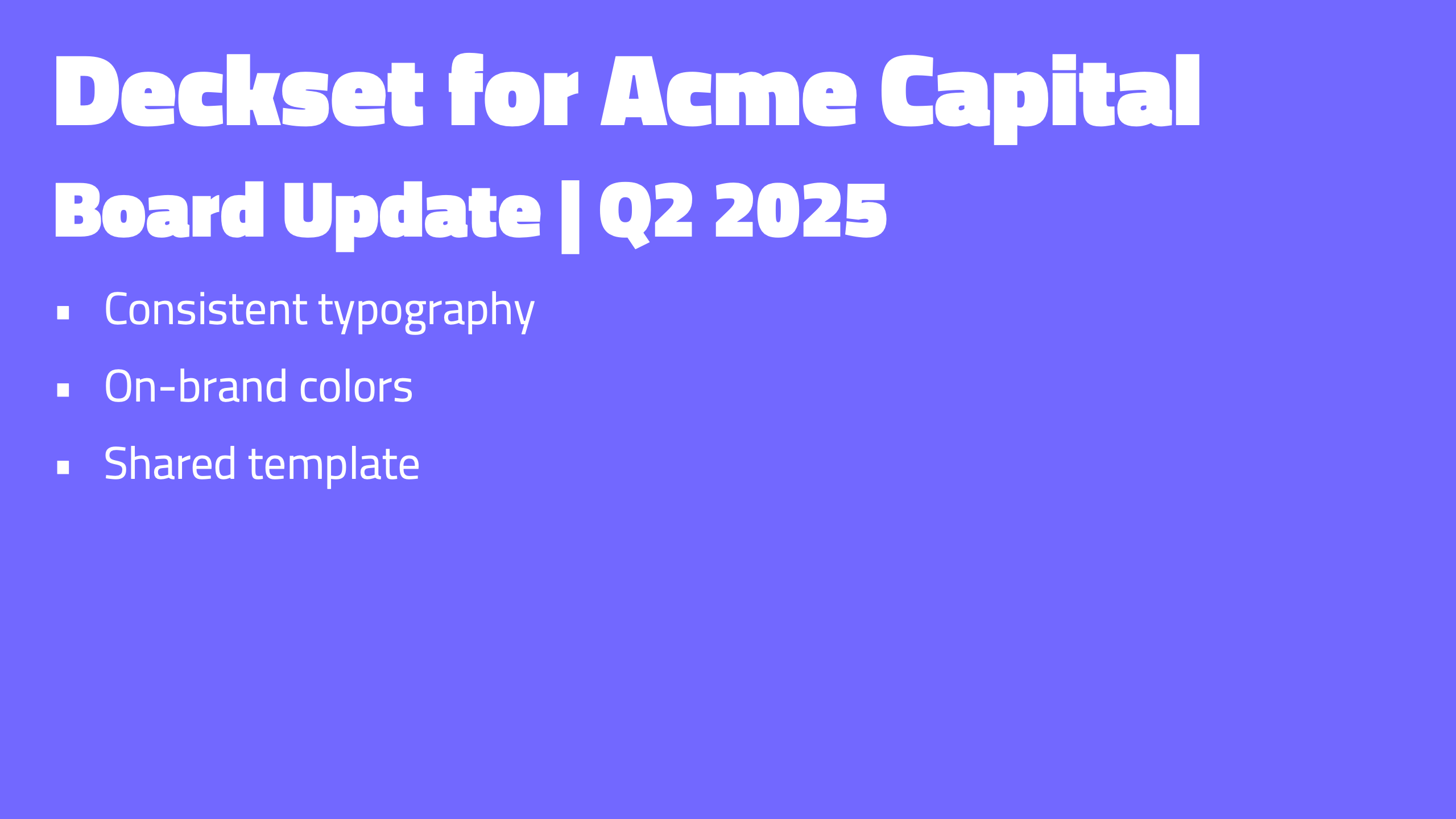
Customize themes in Markdown or with Deckset’s visual theme editor, then share them so every pitch, board, and update deck across the org stays on brand.
- Typography + colors match your brand palette and type system.
- Theme sharing reuse one approved look across teams.
Design system alignment
Presentation Tools
Present confidently in meetings, demos, and investor calls. Keep the narrative in notes, control pacing, and ship polished exports for async review.
Presenter notes for your talk track
Keep your narrative, proof points, and transitions in presenter notes instead of on the slide. Paragraphs that start with a caret (^) become presenter notes, and you can enable treat-paragraphs-as-presenter-notes when your Markdown is primarily a private script. Perfect for founder updates when stakeholders review without a meeting.
Build steps for pacing
Reveal bullets step by step to guide attention in a room or on a call — especially useful for complex decisions and metric explanations.
Windowed presentation mode
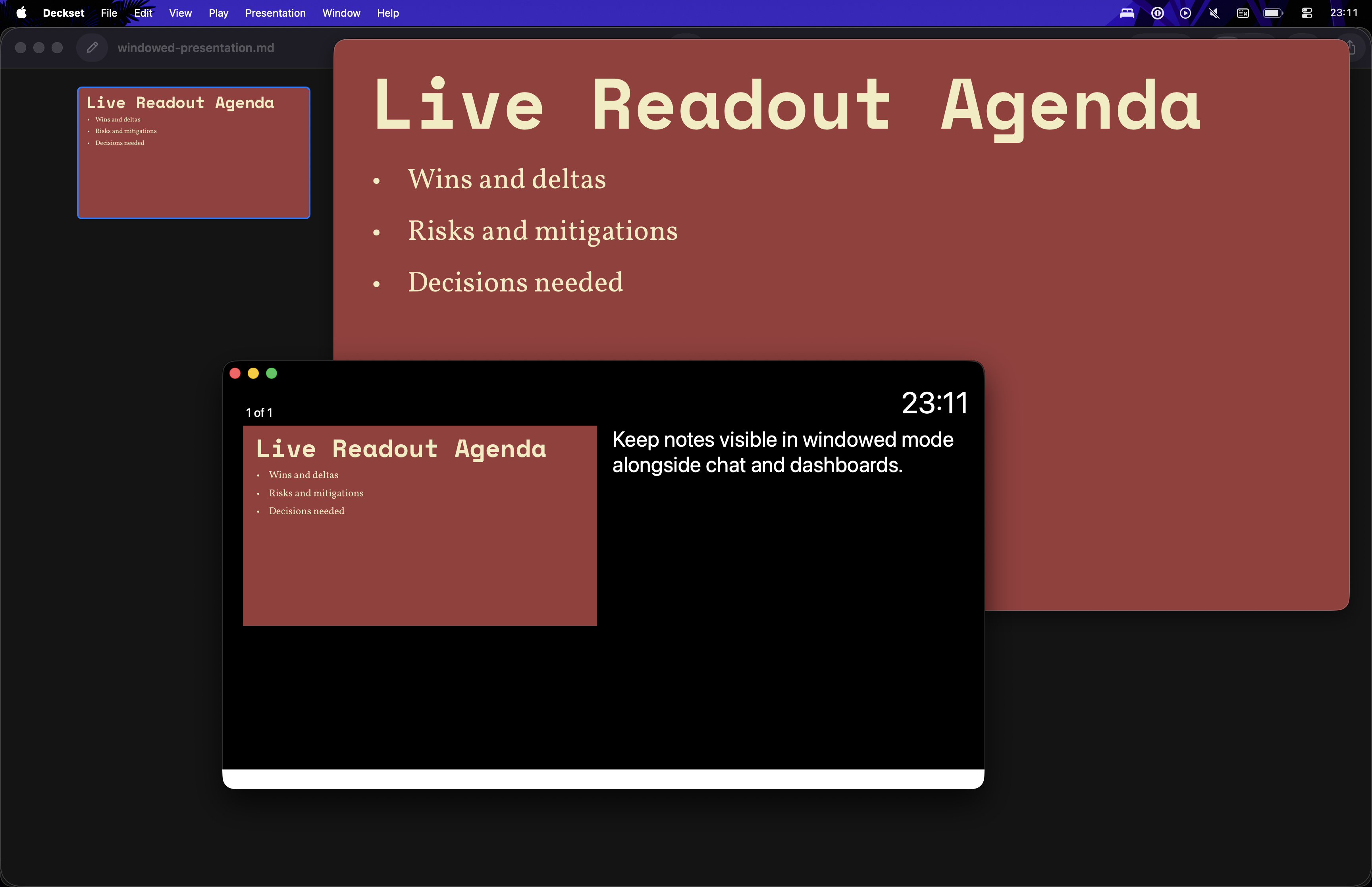
Run Deckset in a resizable window so you can keep notes, dashboards, or chat visible during video calls and hybrid meetings.
Saving & Sharing
Plain text decks are easy to version, review, and reuse. Export for stakeholders, share source for collaborators, and avoid slide-file sprawl.
Exporting for async review
Export slide-only PDFs for stakeholders, or include presenter notes when you want to share the full narrative. This works well for leadership updates, board decks, and investor follow-ups.
- Board-ready PDFs share with notes for context or slide-only for exec scans.
- Slide-only PDFs for quick scanning and decision-making.
- Presenter-note PDFs when your audience needs context without a meeting.
- Multi-page-per-slide exports for compact printouts or meeting packets.
Collaborate and version
Keep decks in Git for an audit trail, sync via iCloud/Dropbox, or share as Markdown in the same repo as your docs. Review changes as readable diffs and keep a clean history over time.