
Use your favorite editor
Write in your favorite plain-text editor. Save the file to update the slides in Deckset—there is no second document to keep in sync.
Deckset for Mac
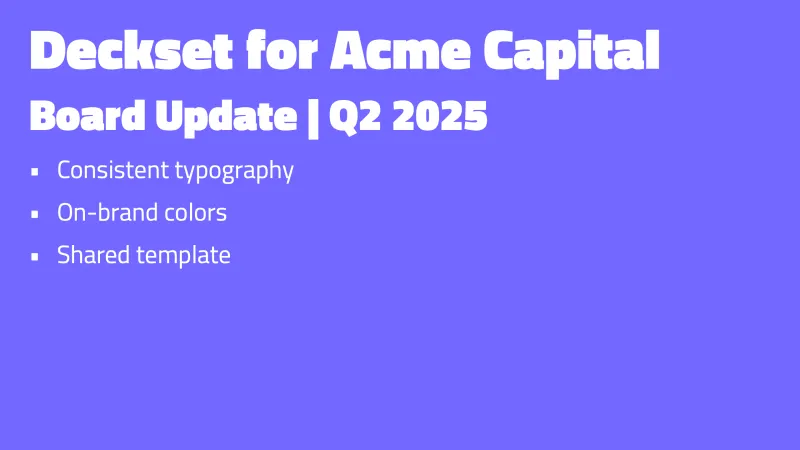
Write in the editor you prefer. Save the file, and Deckset updates the slides automatically. Then choose a theme, present, or export a PDF.
A native Mac app for macOS Catalina (10.15) or newer. One license can be activated on up to four personal devices.
Write in the editor you prefer
Save your file and Deckset updates the slides. Your presentation remains a text document that is easy to edit, reuse, and keep in version control.
Write in your favorite plain-text editor. Save the file to update the slides in Deckset—there is no second document to keep in sync.
Choose from more than 25 built-in themes, or create your own with custom fonts, colors, and layouts.
Use presenter notes, next-slide preview, rehearsal tools, build steps, timers, and windowed presentation mode when it is time to present.
Built to present
Content
Technical talks
Delivery
Output
Themes
Source files
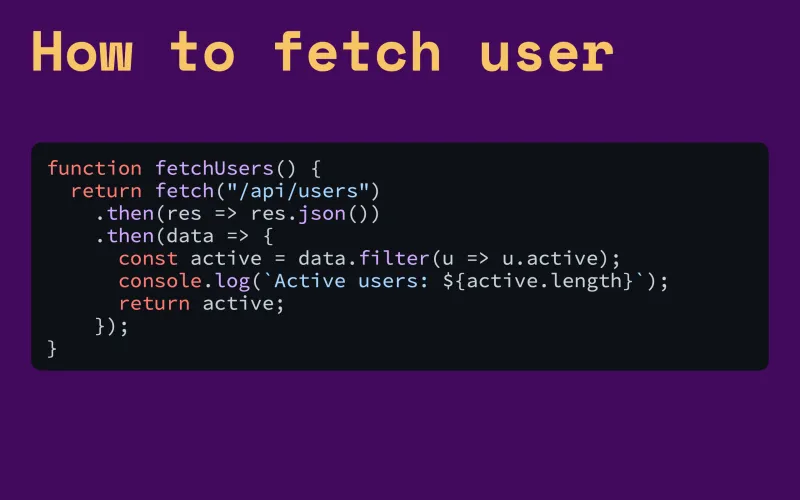
A Deckset presentation is a Markdown file, so you can edit it with the text-based tools you already use.
Use Deckset with AIFrom team updates to conference stages
$35 once. No subscription.
A personal Deckset license is a one-time $35 purchase with free updates throughout the Deckset 2.x release line.
Deckset for Mac
$35 One-time payment · up to four personal devices See pricing and team licenses Start with the free trial